Unlock the Adventure: Your Guide to Downloading Balatro
Key Takeaways
- Balatro is a new roguelike game blending poker and adventure.
- Available on Xbox Game Pass, iOS, Android, and more.
- System requirements vary by platform; check before downloading.
- Follow easy steps to install Balatro on your device.
- Join the growing community in Southeast Asia enjoying this game.
Overview of Balatro
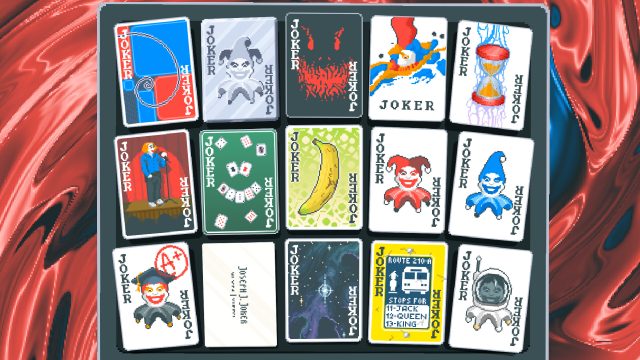
Balatro is an innovative roguelike game that cleverly integrates poker mechanics with pixel-art graphics and engaging gameplay. Offering a fresh twist on traditional card games, it enables players to engage in a series of experimental playthroughs that promise a different experience with each session. Its popularity is surging, particularly in the Indonesian gaming market, where mobile and console gaming are rapidly gaining traction.
Platform Availability
Balatro is accessible on multiple platforms, catering to a wide audience of gamers:
- Xbox Game Pass: Play Balatro on your Xbox console with a Game Pass subscription.
- iOS: Download directly from the Apple App Store.
- Android: Available on Google Play Store.
- PC: Can be downloaded via platforms like Steam or the official publisher’s website.
System Requirements
Understanding the system requirements for Balatro is crucial for a smooth gaming experience. Here are the details based on platform:
Xbox
- OS: Xbox One or newer
- Internet: Broadband required for online features
iOS
- OS: iOS 12.0 or later
- Device: iPhone 8 or newer recommended
Android
- OS: Android 8.0 (Oreo) or later
- RAM: 2GB minimum
PC
- OS: Windows 10 or newer
- Processor: Intel Core i3 or equivalent
- RAM: 4GB minimum
- Graphics: DirectX 11 compatible graphics card
- Storage: 2GB available space
How to Download Balatro
Follow these simple steps to download and install Balatro on your desired platform:
1. For Xbox Users
- Open the Xbox Game Pass app or find Balatro in the Xbox Store.
- Click on the download button to install the game.
- Once downloaded, launch the game from your library.
2. For iOS Users
- Open the Apple App Store.
- Search for "Balatro" and tap the download button.
- After installation, find the game on your home screen and start playing.
3. For Android Users
- Open the Google Play Store.
- Search for Balatro and select the game from the results.
- Tap on install and wait for the download to complete.
4. For PC Users
- Go to Steam or the official website of the game.
- Search for Balatro in the store.
- Purchase and download the game.
- Once installed, you can launch Balatro from your desktop.
Conclusion
Balatro is an exciting addition to the roguelike genre, combining strategy and luck in a unique gaming experience. Whether you’re on console, mobile, or PC, downloading and playing this game is straightforward. With its rising popularity in the Southeast Asian market, particularly in Indonesia and ASEAN countries, now is the perfect time to dive into this thrilling adventure. Don’t miss out on the fun and community that Balatro offers!
Latest news
-

Mobile Game Localiza
Learn about the importance of game localization fo...
-
Mobile Gaming Etique
Learn essential mobile gaming etiquette to be a re...
-
How Mobile Games are
Explore how mobile games are transforming the trad...
-
Mobile Gaming Access
Learn about the importance of accessibility in mob...