Your Essential Guide to Downloading GTA 5 Mods Today
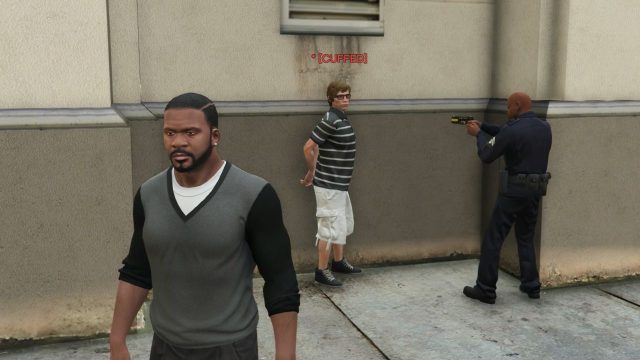
Key Takeaways
- GTA 5 mods can transform gameplay significantly.
- Official platforms are the best sources for downloading mods.
- Ensure your system meets the requirements before installing.
- Follow step-by-step installation for a smooth experience.
- Stay informed about updates and community tips.
Overview of GTA 5 Mods
Grand Theft Auto V (GTA 5) remains one of the most popular games worldwide, attracting millions of players. Modding adds a unique layer to the game, enhancing various aspects such as NPC behavior, graphics, and gameplay mechanics. Recent trends in the gaming community have seen an increase in players experimenting with mods to create personalized experiences. By adjusting NPC behaviors, players can create immersive scenarios that align with their unique gameplay style.
Platform Availability
GTA 5 is available on multiple platforms, making it accessible to a broad audience. Here’s a breakdown of where you can find it:
- PC: Available via Steam and Epic Games Store.
- Consoles: PlayStation Store and Xbox Store.
- Nintendo Switch: Not currently available.
Whether you are playing on a PC or console, ensure you have the necessary subscriptions or accounts to access the respective stores.
System Requirements
Before diving into the modding scene, ensure your system meets the following minimum requirements:
For PC Users
- OS: Windows 10 (64-bit).
- Processor: Intel Core 2 Quad CPU Q6600 or AMD Phenom 9850.
- Memory: 4GB RAM.
- Graphics: NVIDIA 9800 GT 1GB or AMD HD 4870 1GB.
- DirectX: Version 10.
- Storage: 72GB available space.
Meeting or exceeding these requirements ensures an optimal modding experience.
How to Download Mods
Downloading and installing mods for GTA 5 involves several steps. Here’s how to get started:
Step 1: Access Official Modding Websites
Visit reputable modding websites such as GTA5-Mods or Nexus Mods to browse available mods. Ensure the mods are compatible with your game version.
Step 2: Choose Your Mods
Select mods that interest you, such as NPC modifications or gameplay enhancements. Read through the descriptions and user reviews for better insight into each mod's functionality and stability.
Step 3: Download and Extract
Once you've chosen your mods, download them as zip or rar files. Use extraction software like WinRAR or 7-Zip to unpack the files to your desired location.
Step 4: Install the Mods
Follow the installation instructions provided with each mod. Most mods require placing files into specific folders within your GTA 5 installation directory. Be sure to back up your game files before making any changes.
Step 5: Launch the Game
Open GTA 5 and check if the mods have been successfully applied. Some mods may require additional software to run correctly, such as script hooks.
Conclusion
Enhancing your GTA 5 experience with mods can breathe new life into the game, offering endless possibilities and fun. By following this guide, you can safely download and install mods to create a gaming experience tailored to your preferences. Stay connected with the gaming community for the latest updates and modding tips, and get ready to explore the exciting possibilities that lie ahead!
Latest news
-

Innovative Game Mech
Explore innovative game mechanics that are shaping...
-
Mobile Gaming Commun
Explore the importance of mobile gaming communitie...
-
The Importance of Up
Learn about the importance of regular updates in m...
-
The Best Android Mob
A roundup of the best Android mobile games of 2023...